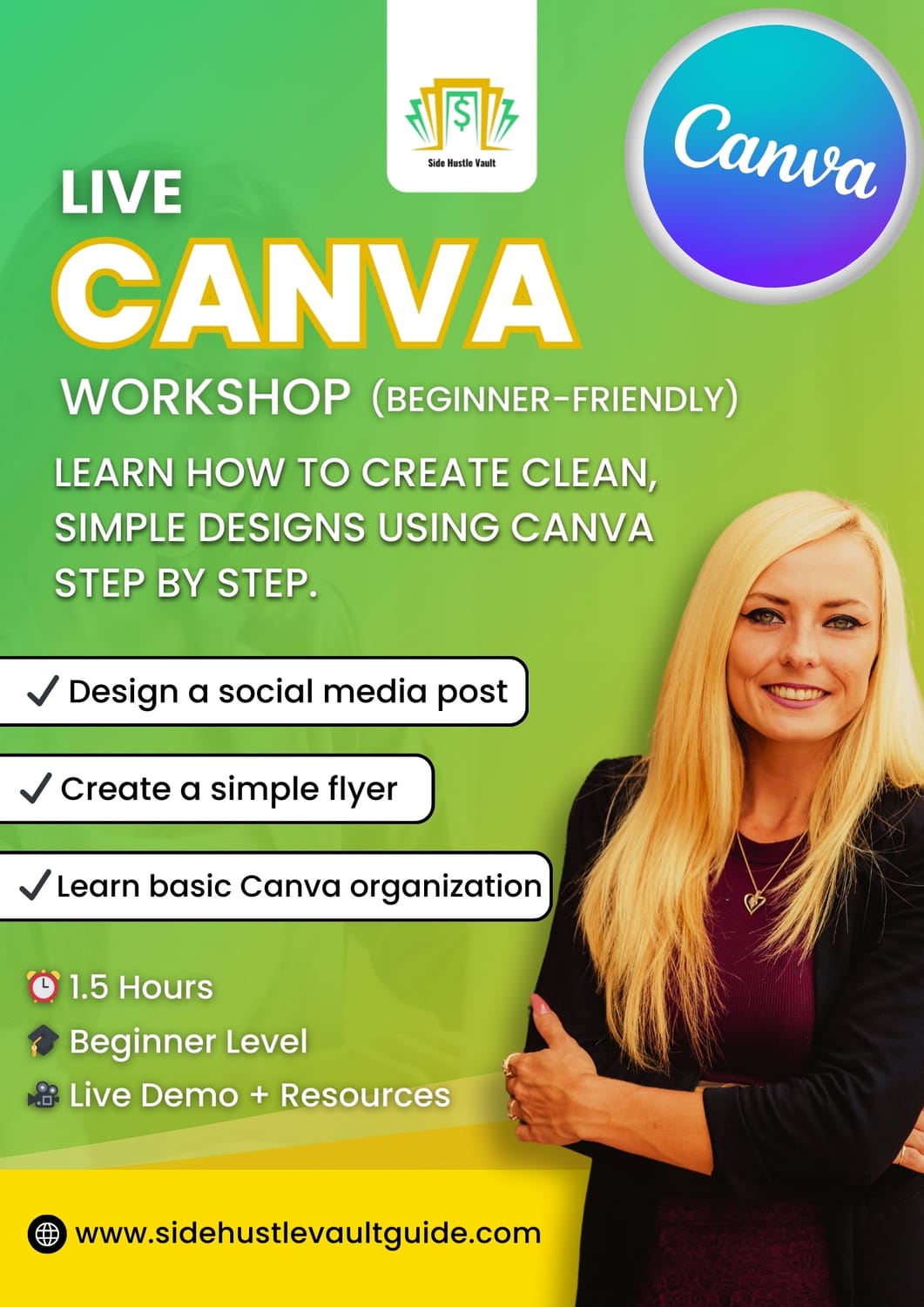
LIVE CANVA BEGINNER WORKSHOP
Design Simple, Clean Graphics with Confidence
Canva Made Simple: A Beginner-Friendly Design Course
Learn how to create clean social media posts and simple flyers in Canva — step by step, without feeling overwhelmed.
WHAT YOU’LL LEARN
By the end of this course, you will be able to:
Feel confident using Canva
Pick the right size every time
Create scroll-stopping posts
Design a flyer from start to finish
Work faster with Canva shortcuts
Stay organized inside Canva
Download designs without mistakes
WHO THIS COURSE IS FOR
This course is perfect for:
Beginners new to Canva
Small business owners
Creators and students
Anyone who wants simple, professional-looking designs
👉 If Canva has ever felt confusing, this course is for you.
WHAT’S INCLUDED
90-minute beginner Canva training
Step-by-step live instruction
Student handouts and practice prompts
Beginner-safe pace and explanations
WHAT YOU DO NOT NEED
You do not need:
Design experience
Paid Canva account
Fancy tools or software
A free Canva account is enough.
COURSE DETAILS
Format: Live (beginner-friendly)
Length: 90 minutes
Level: Beginner
Tools: Canva (free or Pro)
Limited seats to keep the session beginner-friendly
FAQ
1. Is this workshop live or pre-recorded?
This is a live, instructor-led workshop with real-time guidance.
2. Will I receive a replay?
Yes, a replay will be available for registered attendees.
3. Do I need prior Canva experience?
No. This workshop is beginner-friendly and step-by-step.
4. What do I need to attend?
A computer, internet connection, and a free or Pro Canva account.
5. How long is the workshop?
The workshop will last approximately 90 minutes.
6. What if I can’t attend live?
You’ll still receive access to the replay.
Still have questions?
If you have questions about the workshop or need clarity before getting started, feel free to reach out.
👉 Email: support@sidehustlevaultguide.com
Share your question or let us know what you’re unsure about, and we’ll point you in the right direction- no pressure, no rush.
Side Hustle Vault
© 2026 Side Hustle Vault. All rights reserved.
Create Your Free Account